
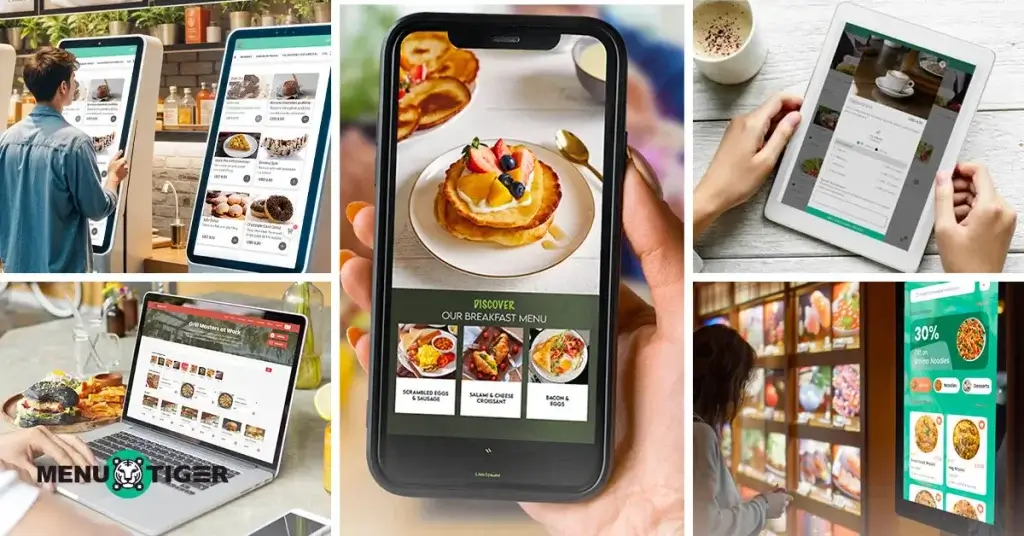
The pressure to deliver faster service, adapt to changing customer preferences, and manage operations more efficiently, while keeping costs in check, has been a struggle for most restaurants.
Traditional paper menus and static boards often fall short, causing delays in updates, inconsistent branding, and missed opportunities for upselling.
The good news? Switching to best digital menu for restaurants menu boards is not as complicated or expensive as it used to be. These modern platforms let you make real-time menu updates, highlight specials, adjust pricing, and even track customer behavior.
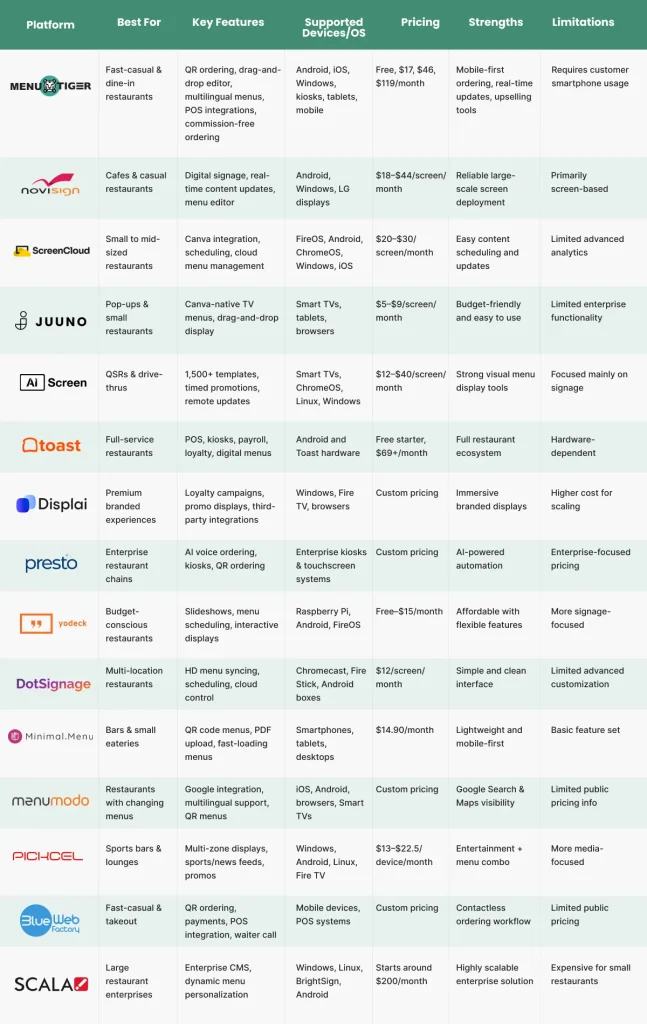
Here are 15 platforms worth considering in 2026, whether you’re running a single café or managing a multi-location chain.
What are digital menus?
Digital menus are electronic versions of your traditional printed menus.
Customers access them by scanning QR codes on table tents, touchscreen self-service kiosks, or menu screens on tablets and digital displays.
Instead of handling guests’ piles of bulky physical menus, they can scan a code with their phones or interact with a screen to view menu items, customize their orders, and even pay, all without waiting for staff accommodation.

Do digital menus improve restaurant service?
Yes, and here’s why.
Faster service means happier guests.
Guests can order when they’re ready.
There is no need to flag down staff, which results in faster table turnover, shorter lines, and more efficient and accurate operations.
Industry POS and restaurant tech reports consistently show that digitized ordering systems improve service speed and reduce order errors by minimizing manual order entry and miscommunication.
Higher sales without the push
Upselling becomes automatic. The best digital menu for restaurants do the nudging for you.
It can suggest add-ons, spotlight best-selling dishes, and display mouthwatering photos that can drive bigger check sizes, especially when paired with recommendation logic or “frequently bought together” prompts.
Easier updates
Changing prices or adding new times made it convenient without the need to reprint, which reduces both printing waste and operational delays.
You can update your menu quickly, which is perfect for your daily specials.
Lower labor dependency
Using advanced restaurant order system tools like this will not replace your team but rather assist them in providing the best customer service.
It reduces the pressure during rush hours, handling tasks like ordering and handling requests.
This means more focus on hospitality and less on taking orders.
Data at your fingertips
You get insights into what’s selling, how guests interact with your menu, and when peak ordering times hit, all of which can guide smarter business decisions.
Industry surveys from restaurant technology providers (e.g., Toast, Square, Lightspeed-type ecosystems) consistently show growing adoption of data-driven menu optimization, especially among digital-first restaurants.
For restaurants looking to scale these capabilities, investing in custom software can further enhance automation, analytics, and long-term operational efficiency.
15 best digital menu board for restaurants in 2026
Planning an operational upgrade can cause a headache. So, to save you from that, here are best digital menu for restaurants you can choose from:
1. MENU TIGER
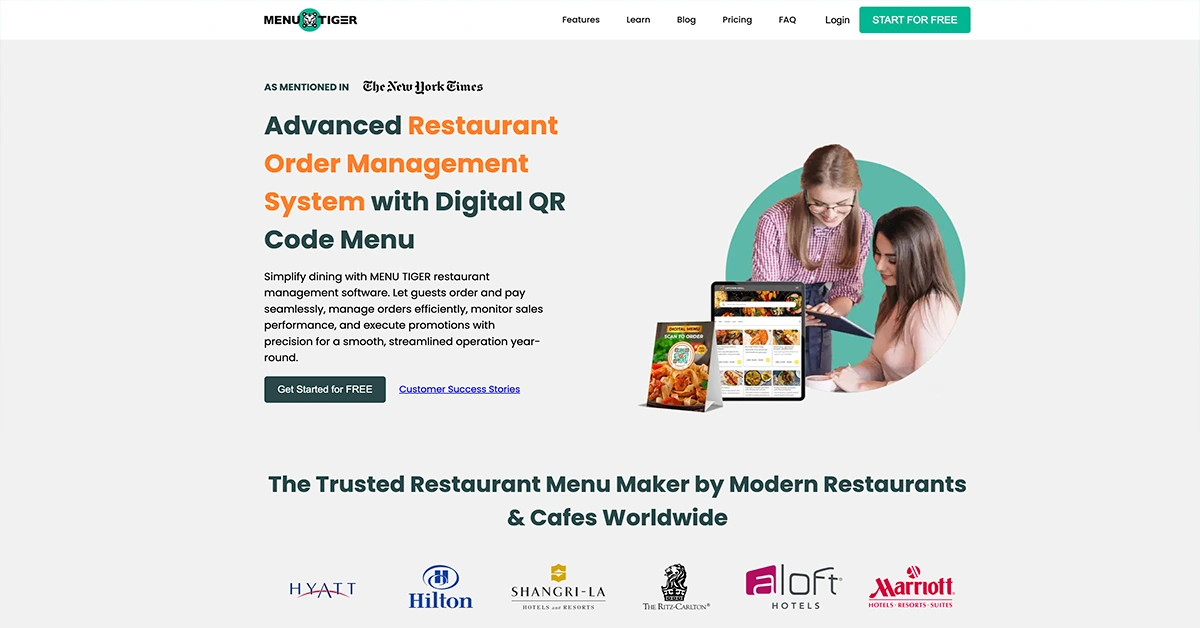
If you’re looking for a feature-rich digital menu ordering system without investing in big screens, this is for you.
MENU TIGER allows your customers to view your digital menu on their mobile phones via QR code scanning or link sharing.
Praised for its intuitive drag-and-drop editor, multilingual support, and seamless POS integrations, it’s the effective and standard tech for fast-casual and dine-in restaurants.
Reviews from G2 and SourceForge emphasized how the software helps businesses cut table turnover times by up to 30% while boosting efficiency and sales through easy upselling and promotions.
The platform highlights the best free QR code menu ordering, real-time menu updates, and built-in payment options through PayPal, Stripe, and other integrations.
Restaurant operators can also integrate it into self-service kiosks as an additional ordering option to QR codes or a digital menu link.
This works best on mobile phones, self-service kiosks, tablets, laptops/computers, and on Various platforms like Android, Windows, and iOS.
The pricing tiers offered are as follows:
- FREEMIUM – Free plan
- Regular plan – $17/month
- Advanced plan – $46/month
- Premium – $119/month
2. NoviSign
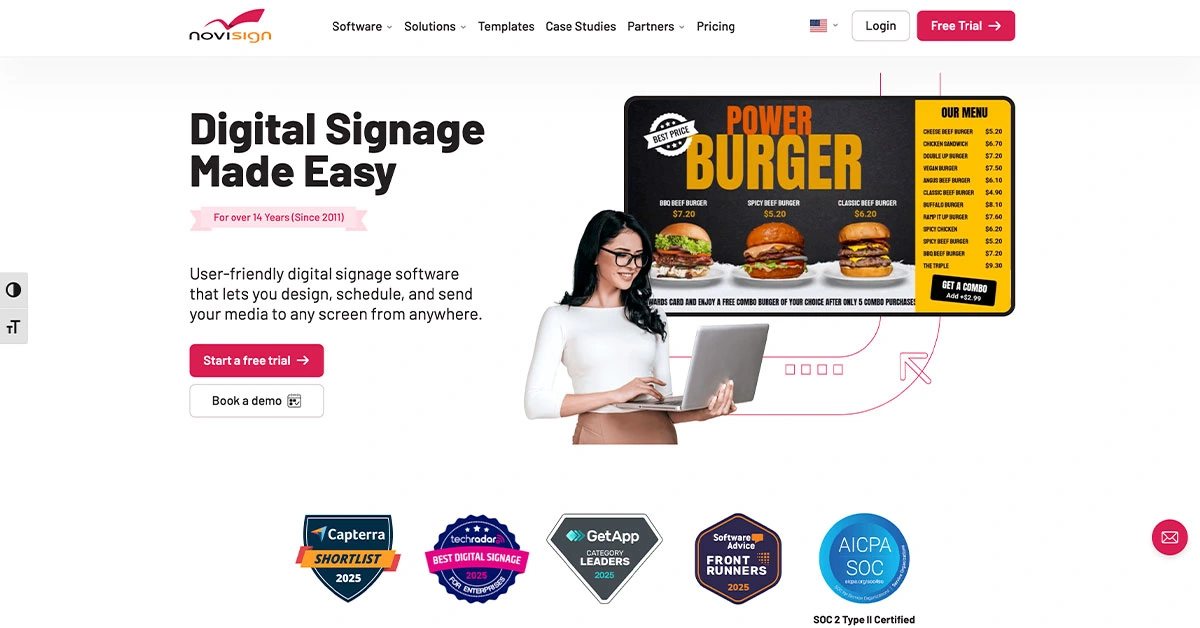
This digital signage software and menu board platform is ideal for casual restaurants and cafes, thanks to its comprehensive menu editor, real-time content updates, and compatibility.
With over 300,000 screens deployed globally, it guarantees the delivery of polished branded displays of all types of menus without requiring advanced technical expertise.
Users consistently praise its ease of use, reliability, and responsive customer support.
This digital menu board software is compatible with any hardware, including Android, Windows, and LG.
The annual pricing tiers are:
- Business: $18/screen/ month
- Business Plus: $26/screen/ month
- Premium: $44/screen/month
3. ScreenCloud
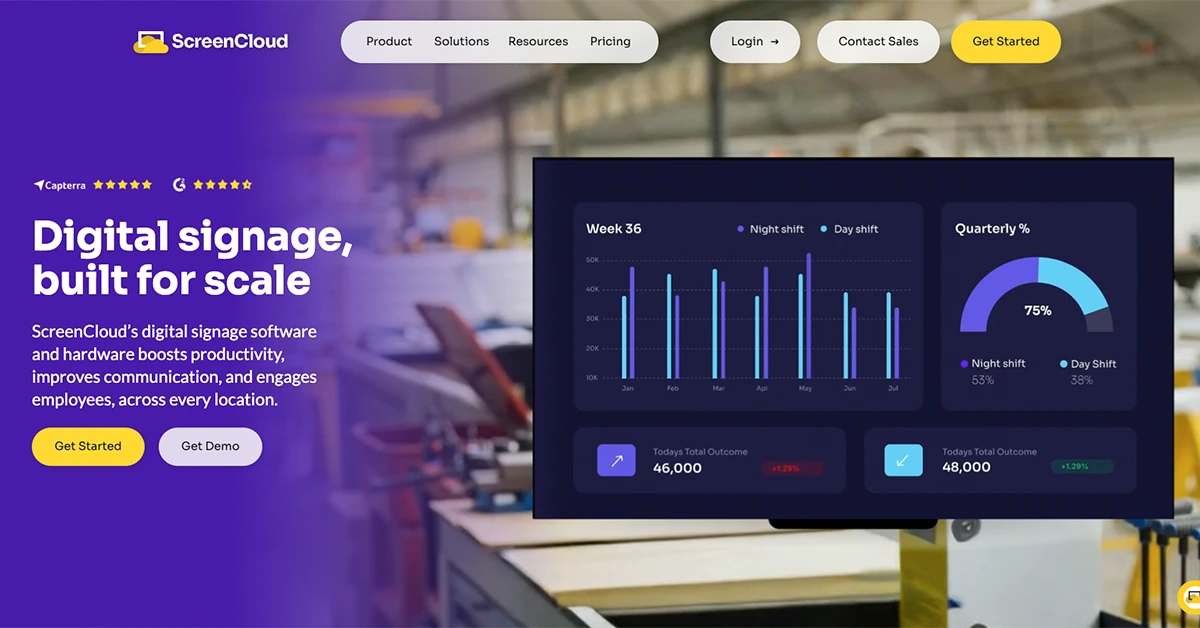
This cloud-based digital menu board system is perfect for small to mid-sized restaurants.
Celebrated for making stylish, up-to-date menus straightforward to maintain, it is one for the books.
It has seamless integrations, including Canva, Google Drive, Google Slides, and a POS system. It empowers non-tech users to create and schedule vibrant menu boards with drag-and-drop simplicity.
While some numbers note limitations in advanced analytics or layout customization, the overall consensus on enhancing customer perception is positive.
ScreenCloud supports FireOS, Android, Chrome OS, Windows, iOS, and BrightSign.
They offered annual pricing tiers of:
- Core: $20/screen/month
- Pro: $30/screen/month
- Enterprise: Customizable price with a minimum of 25 screens required
4. Juuno
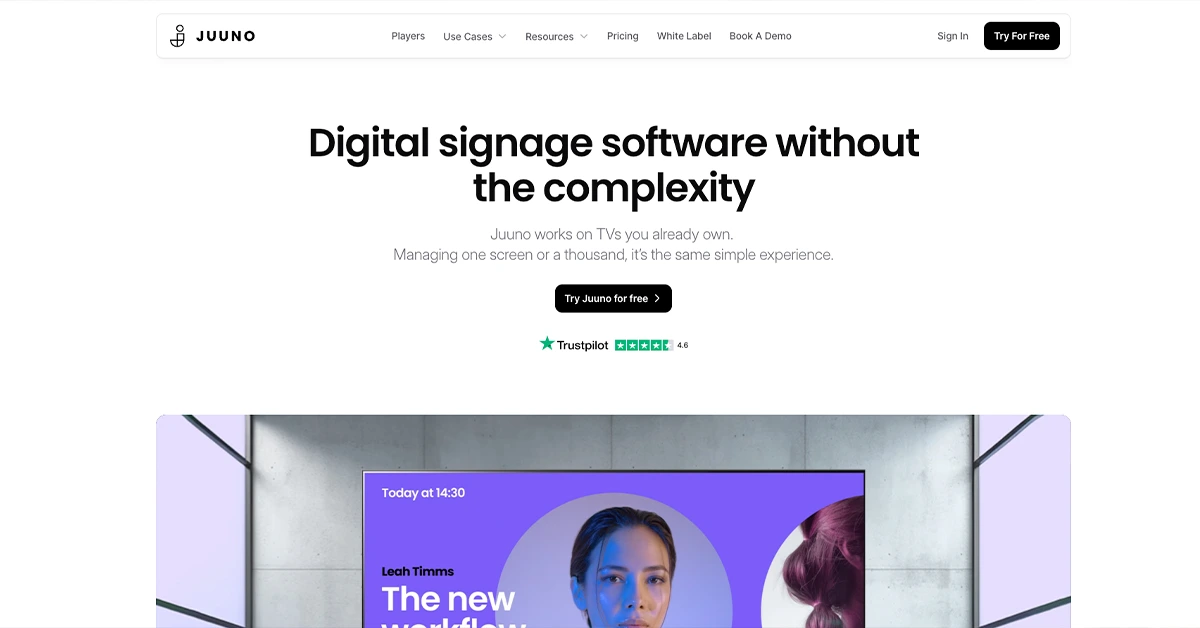
Juuno offers a simple, Canva-integrated TV menu display.
It’s an excellent choice for small businesses or pop-ups that want to use existing screens as their digital menus.
It’s a pay-per-TV pricing model, making it cost-effective.
Users consistently praise its intuitive interface, reliable performance, and responsive support.
Because it features a deep, native Canva integration directly inside its dashboard, users can design, update, and edit their menu graphics in real time right within the application workspace, making it a solid choice for small venues looking to repurpose existing equipment.
This is highly compatible across Smart TVs, web browsers, mobile devices, and tablets.
The pricing tiers are:
- Trial: 7-day free trial
- Business: $5/screen/month
- Growth: $9/screen/month
5. AIScreen
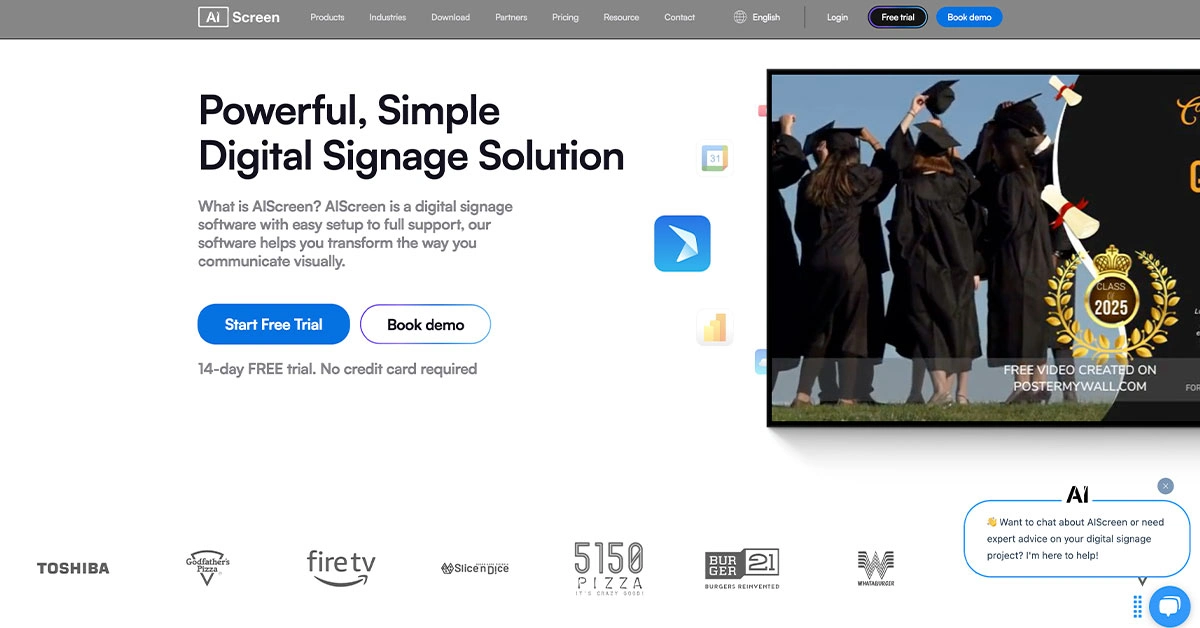
AIScreen is the top choice for menu boards.
It allows restaurants to create visually appealing menus using over 1,500 digital menu templates and broadcast them on TVs or monitors.
For QSRs, drive-thrus, and franchises, AlScreen offers a powerful way to engage customers and promote items visually with real-time flexibility.
Owners can update menu items from a desktop or mobile device and instantly deploy changes across one or multiple screens.
It also supports timed promotions, so breakfast menus can automatically switch to lunch without staff intervention.
This can be used in Smart TVs, Chrome OS devices, Raspberry Pi, Linux, Windows, and macOS.
The pricing tiers are:
- Free: 14-day free trial
- Essential: $12/screen/month
- Business: $20/screen/month
- Enterprise: $40/screen/month
6. Toast POS
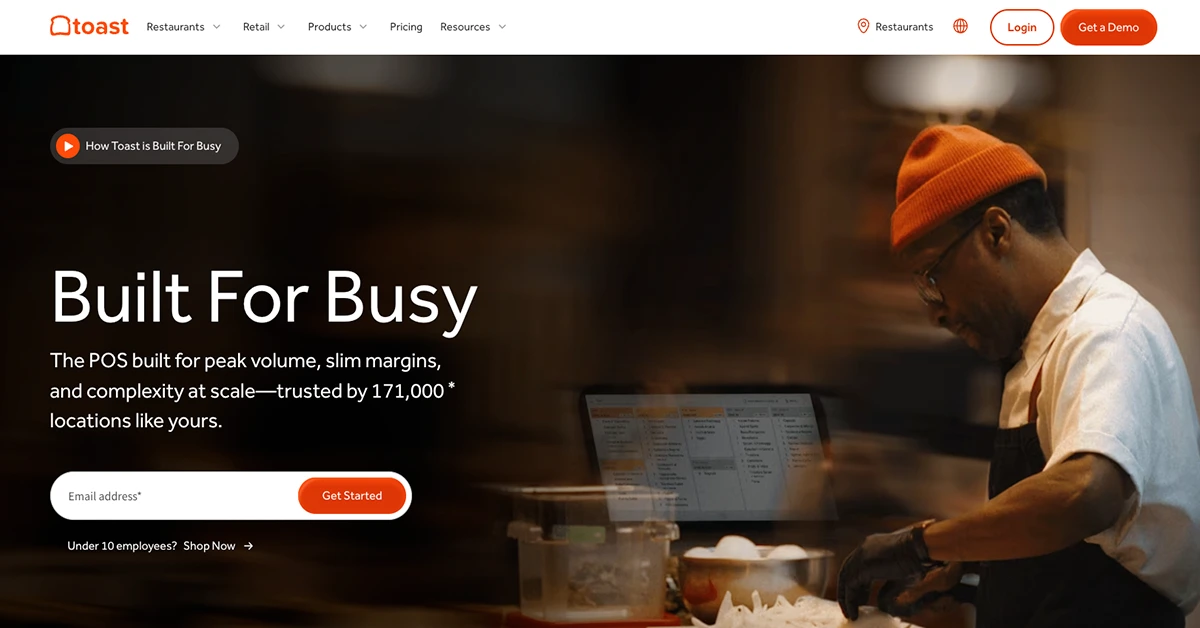
Toast is an all-in-one restaurant menu software management platform that combines POS, digital menus, kiosks, and online ordering.
With its user-friendly interface and mobile-friendly design, Toast allows customers to view and interact with digital menus directly from their phones or tablet devices, streamlining services and improving accuracy.
The system also integrates deeply with kitchen display systems (KDS), loyalty programs, and payroll.
In addition, it allows owners to update menu items across all sales channels like POS, online ordering, kiosks, and mobile options to ensure consistency across the board.
For Toast, they offer their hardware, like countertop terminals and displays, which run on a customized and secure version of the Android operating system.
The pricing offers are:
- Starter: $0/month (Limited access to features)
- Point of Sale: $69/month
- Build Your Own: Custom Pricing
7. Displai
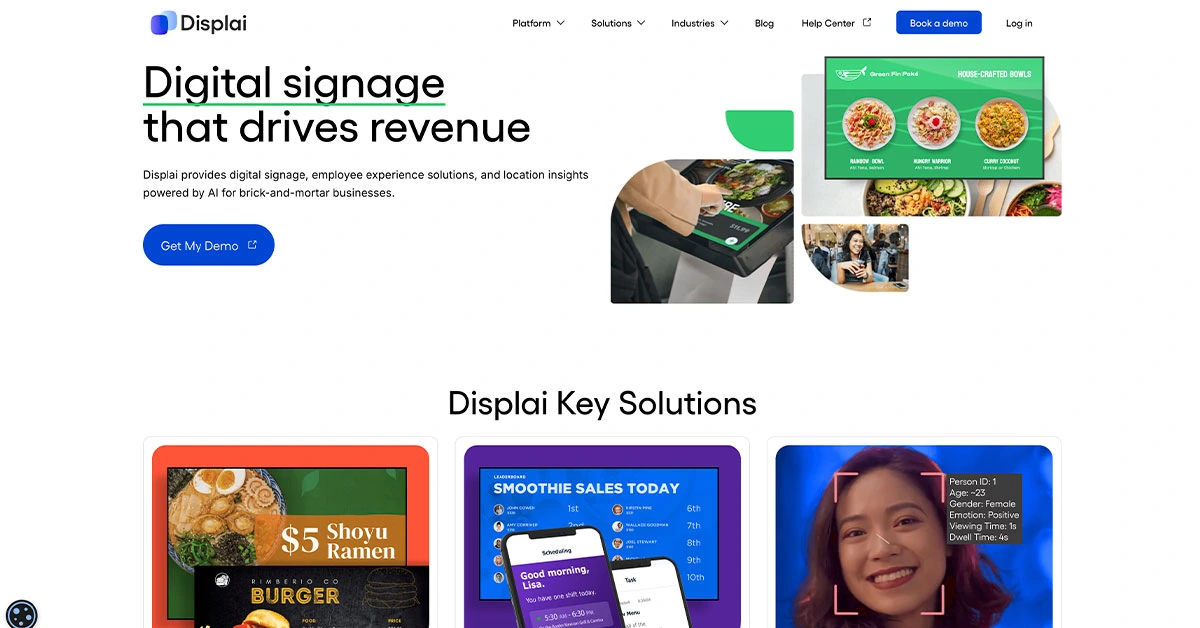
Displai branded itself as a premium digital signage platform designed to create an immersive, branded experience for its guests.
It supports not only displaying menus but also promotional content, staff communication, loyalty campaigns, and even third-party integrations like GrubHub and Shopify.
The system uses plug-in hardware that connects to any screen and gives staff access to cloud-based design tools.
This supports screens and displays, media players like Windows, Chromeboxes, Amazon Fire TV sticks, and browsers like Chrome, Edge, and Firefox.
Their pricing is not publicly fixed and is usually provided through a sales quote. However, G2, a software review platform, indicates that pricing may start at approximately $49/month/screen (based on annual billing), and users may also access a 14-day free trial.
8. Presto
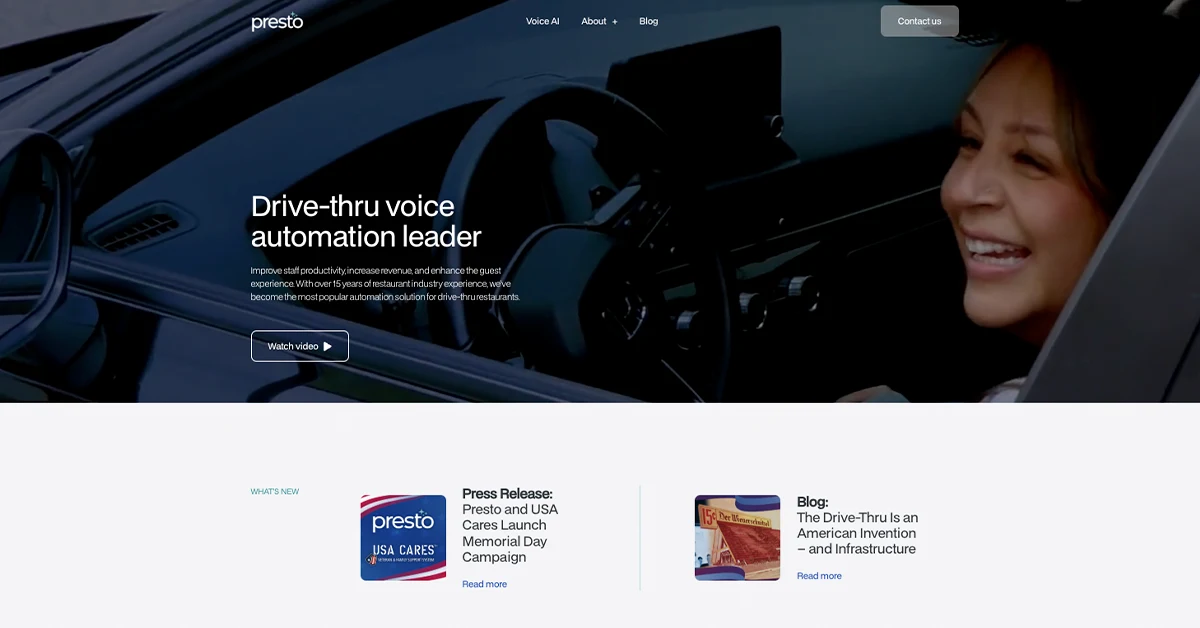
Presto is a complete contactless restaurant platform incorporating paperless menu QR code tools, AI voice ordering, kiosks, and tablet ordering.
Designed for large chains and enterprise restaurants, Presto aims to optimize labor efficiency while enhancing the guest experience.
One of its most unique offerings is its AI voice assistant for table-side or kiosk ordering, helping reduce staff dependency and ordering bottlenecks.
It is deployed on enterprise restaurant kiosks and POS systems, with cloud-based tools accessed through web browsers. It runs on supported touchscreen kiosks, all-in-one systems, and approved restaurant hardware used in restaurant environments.
Presto uses a quote-based enterprise pricing model, with costs varying by deployment size, features, and locations, and no fixed per-user pricing tiers.
9. Yodeck
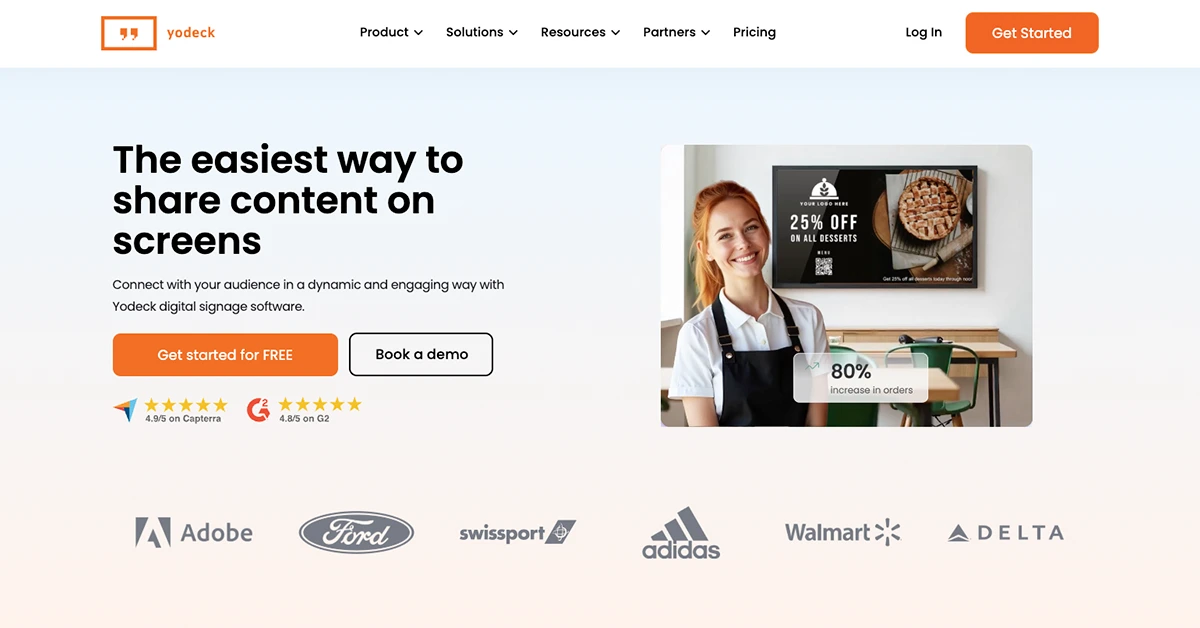
This cloud-based digital signage platform offers exceptional value, especially for small and mid-sized restaurants.
Its user-friendly dashboard allows even non-tech staff to manage menu updates effortlessly.
This can be used to create slideshows, digital menus, and video content, and deploy them instantly to any screen. It supports dayparting, seasonal campaigns, and even interactive content like trivia or wait screens.
Menu updates can be pushed live from a laptop or mobile device, making it highly flexible for a busy kitchen.
It is ideally suited for Raspberry Pi, Windows, Android, Amazon Fire OS, BrightSign, Samsung Tizen, and LG WebOS.
Their pricing offers are :
- Free: Free forever for a single screen (no credit card required)
- Basic Plan: $8/month
- Premium: $11/month
- Enterprise: $15/month
10. DotSignage
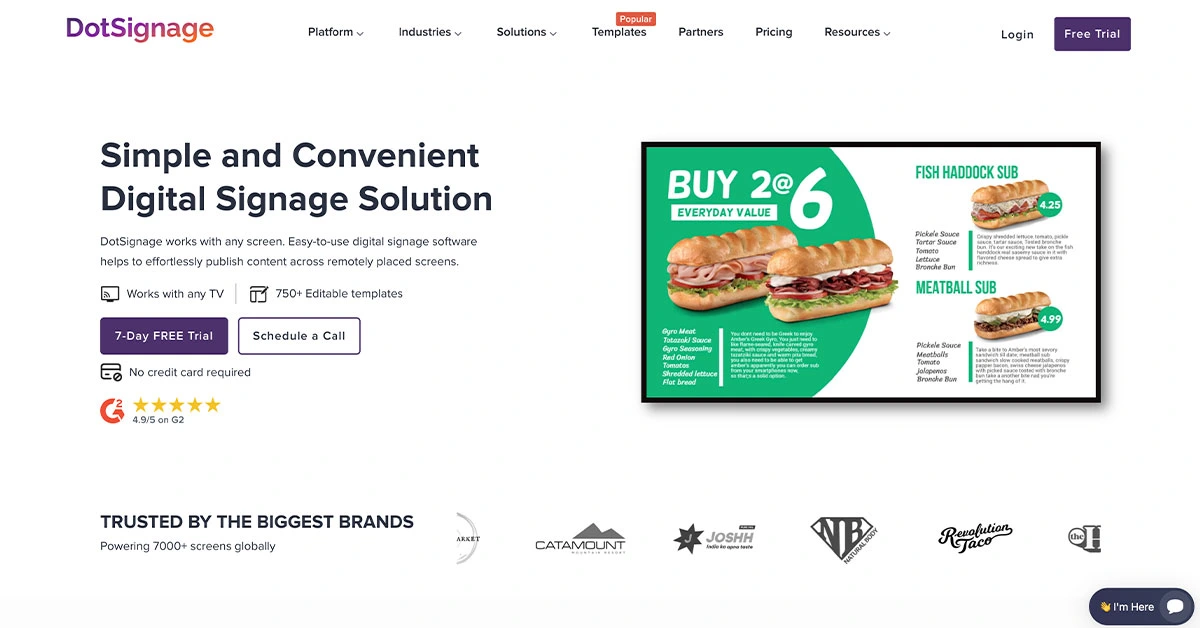
This sleek, cloud-based digital menu board solution helps restaurants instantly update and display HD menus on connected screens.
Its clean dashboard, mobile app, and real-time syncing make it easy to operate for single-location and multi-location businesses alike.
It’s known for offering features like time-based scheduling and template customization without overwhelming users with too many options.
This is particularly compatible with screens, TVs, and plug-and-play devices like Google Chromecast, Amazon Fire TV Stick, and Android boxes.
For pricing tiers, here’s what it offers:
- Standard: $12 /screen/month
- Enterprise: Custom pricing
11. Minimal Menu
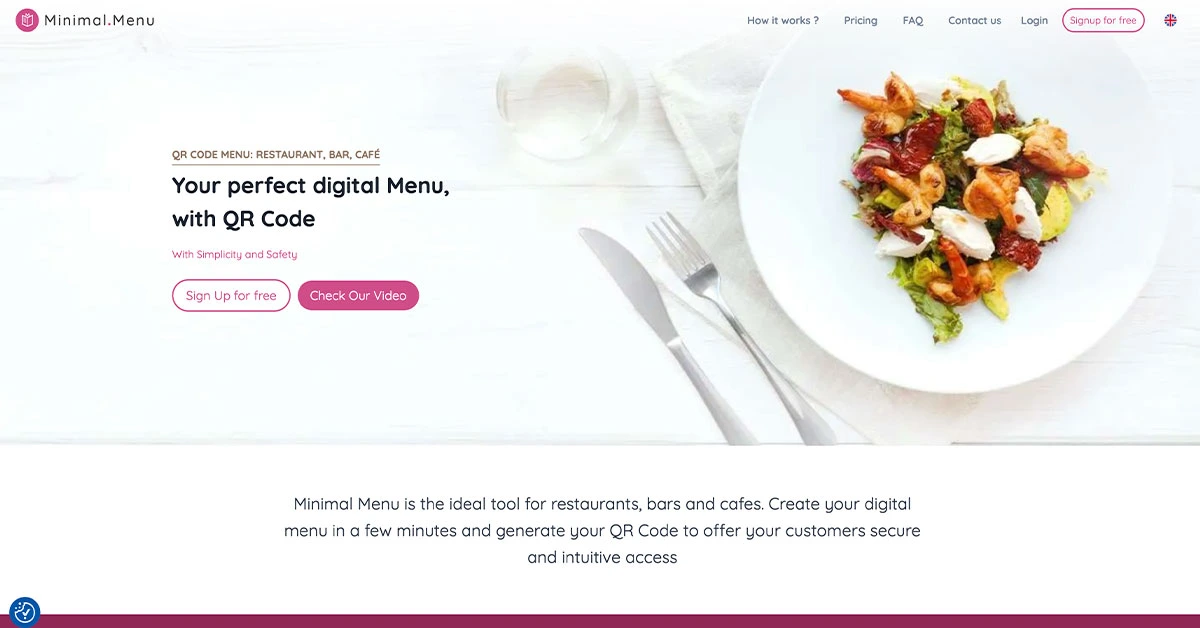
Minimal Menu lives up to its name with a clean, easy-to-use QR code menu builder ideal for bars and small eateries.
The platform allows operators to quickly upload a PDF or create a responsive HTML menu, accessible via custom QR codes.
What sets it apart is the super-fast load time and mobile-first design. Owners don’t need to install an app, and there are no ads or branding unless they choose to customize it.
It best suits smartphones, tablets, desktops, and operating systems like iOS, Android, Windows, and macOS.
It offers $14.90 monthly, excluding the tax from the state.
12. Menumodo
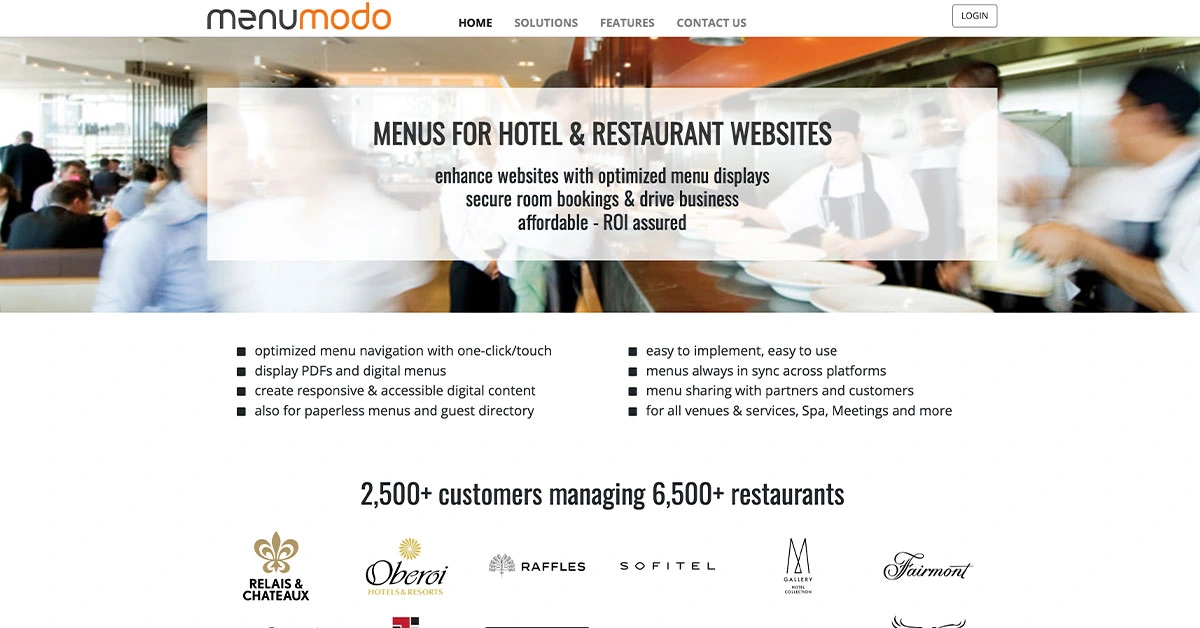
Another cloud-based digital menu builder helps restaurants easily manage, update, and share their menus on the web and mobile platforms.
It’s particularly effective for venues with frequently changing offerings, such as farm-to-table restaurants, daily special cafes, food trucks, and catering services.
One standout feature is its integration with Google Search and Google Maps. Once your menu is live on Menumodo, it can automatically populate your restaurant’s Google Profile, helping guests see the latest dishes when they search online.
This ordering software can be used on mobile devices powered by iOS and Android, smart TVs, and web browsers.
Menumodo offers subscription-based digital menu solutions with QR menus, PDF support, multilingual content, and website integration. Pricing is customized based on business needs and deployment requirements.
13. Pickel
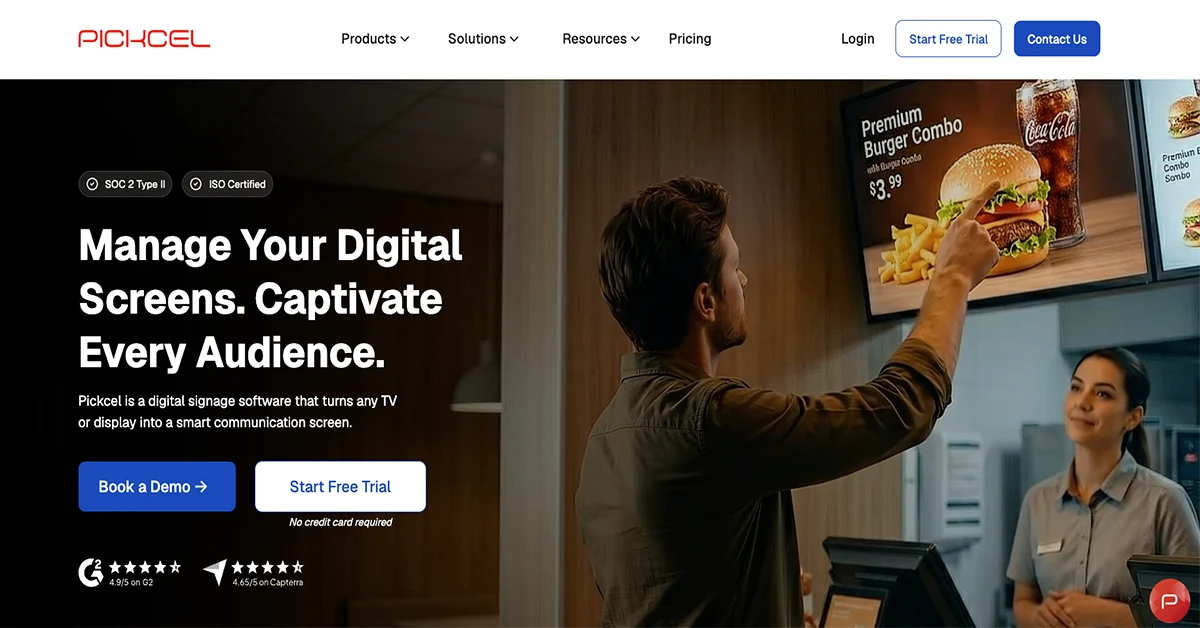
Pickel is a versatile digital signage and menu board service ideal for restaurants, bars, and lounges that want more than just a static menu display.
It supports food and beverage listings and entertainment streams like sports, live news, weather updates, and social media feeds, all on one platform.
Its strength lies in creating an immersive, multimedia atmosphere that keeps guests engaged, especially in bar-forward or experience-driven venues.
Pickel can be used to design multi-zone screen layouts that simultaneously show menus, event promos, countdowns, or TV broadcasts. It’s compatible with Windows, Android, Linux, and Fire TV.
For the pricing tiers, it offers:
- Professional: $13/device/ month
- Business: $22.5/device/month
- Enterprise Custom pricing
14. Bluewebfactory
This contactless self-ordering and payment platform is built for speed and simplicity.
It allows guests to scan a QR code, browse the digital menu, place orders, and pay. This makes it an excellent fit for fast-casual restaurants, takeout orders, cafes, and small dining venues that are looking to streamline operations without adding hardware or hiring more staff.
It integrates POS providers and supports digital receipts, order tracking, and table identification. You can customize the menu with item modifiers, allergen information, and combo upsells.
This is best for guest-facing apps, ordering, waiter call features, and POS systems.
15. Scala
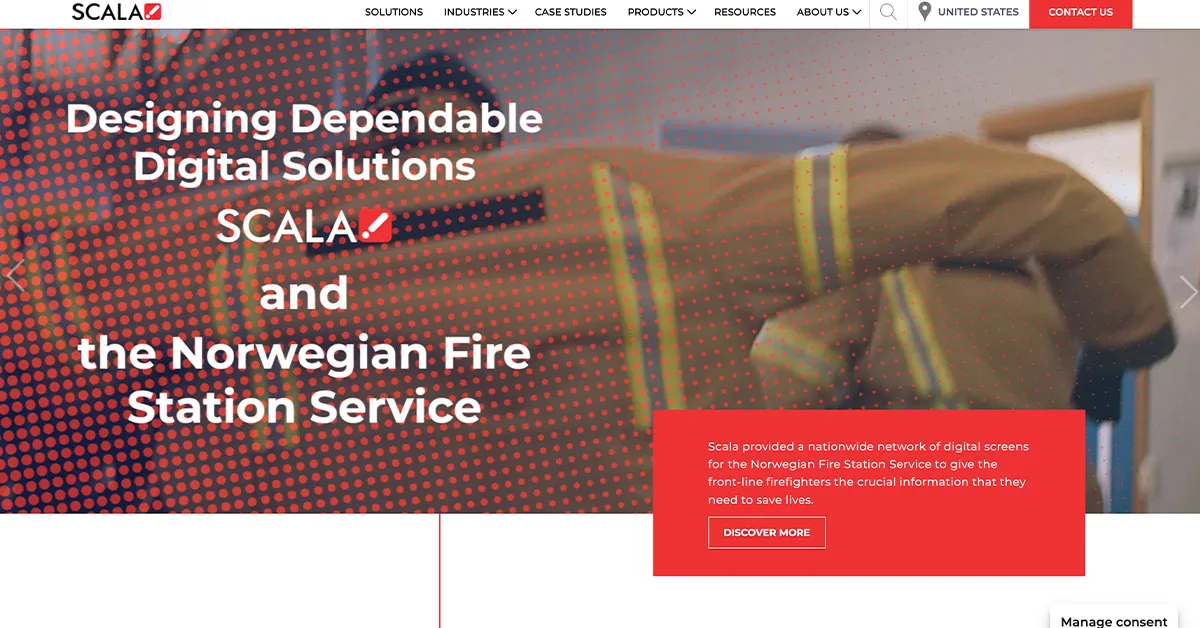
Scala is a global leader in digital signage solutions and has been a trusted brand in retail, hospitality, and quick-service restaurants for decades.
The platform is known for its flexibility, scalability, and ability to deliver personalized content across hundreds or thousands of screens.
One of its unique features is its powerful content management system (CMS), which allows businesses to tailor digital menus based on time of day, customer demographics, weather, or even inventory levels.
Scala can be easily used with digital screens, Windows-based and Linux-based players, and often supports BrightSign, Android, and custom hardware.
The software does not publish a fixed price directly on its website. However, according to independent software directories like GetApp, the monthly pricing starts at approximately $200.
How to choose the best digital menu for restaurants
Below are comparison insights and tips on how to choose the right one for your restaurant, to help you easily identify which solution fits your needs best:
1. Compared based on customer journey control
Not all platforms control the ordering experience at the same level.
Ask yourself this question: Do you want customers to only view the menu, or do you want them to fully browse, customize, and pay?
This distinction directly impacts your decision.
Comparison insight:
Platforms like MENU TIGER, Presto, and Bluewebfactory give full control of the customer journey from browsing to checkout. Meanwhile, signage-focused tools only influence the visual stage and still rely on staff or separate systems for ordering.
2. Evaluate operational depth
Some platforms solve a single problem, while others replace multiple tools.
- Lightweight systems: Minimal Menu, Juuno, DotSignage
- Mid-tier systems: ScreenCloud, AIscreen, Yodeck
- Full-stack systems: MENU TIGER, Toast POS, Presto
If your goal is operational efficiency, full-stack systems reduce reliance on multiple tools like separate POS, best digital menu app for restaurants, and menu editors.
3. Prioritize revenue influence vs. display function.
A key differentiator is whether the platform actively drives sales or only displays content.
- Revenue-driven system: Best digital menu for restaurants that offers upselling, combo prompts, item recommendations, and checkout flows.
- Display-only system: Focus on visuals, branding, and promotion
This is critical for restaurants optimizing for sales growth rather than just presentation.
Comparison insight:
MENU TIGER, Toast POS, and Presto directly influence order value through upselling and ordering flows, while platforms like NoviSign or ScreenCloud primarily enhance visibility and branding.
4. Check how much control you have over updates.
The speed of updates directly affects how flexible your restaurant is during operations.
Key considerations:
- Can you update prices instantly?
- Can you remove out-of-stock items in real time?
- Can you launch promos without technical support?
This matters most for restaurants with dynamic menus or daily specials.
Comparison insight:
Cloud-based systems like MENU TIGER, Yodeck, and ScreenCloud allow real-time updates, while some enterprise signage systems may require more structured workflows or permissions.
5. Assess scalability for future growth.
Even if you’re operating a single location today, your system should support expansion.
Look for:
- Multi-branch control
- Centralized dashboard management
- Role-based access for teams
- Multi-location report
- Multi-channel flexibility
Choosing incorrectly here often leads to costly migrations later.
Comparison insight:
MENU TIGER, Toast POS, Presto, and Scala are built for large-scale deployment, while tools like Juuno or Minimal Menu are better suited for small, static operations.
5 key benefits of investing in a quality digital menu for restaurants
1. Boost in sales
Restaurants that switch to interactive, high-quality digital menus have seen sales increase by 20% to 30%.
The visual appeal of images, real-time updates, and strategic upselling encourages guests to spend more.
For example, when a restaurant displays limited-time offers or bundle deals on digital menus, it tends to sell 35% more than when these offers are only mentioned by staff.
2. Improve order accuracy
When customers place their orders directly through a virtual menu, especially if it’s restaurant digital menu QR code, the margin of human error is significantly reduced.
Studies show that restaurants using digital menus with integrated ordering have seen order accuracy improve, minimizing costly returns, incorrect prep, and customer dissatisfaction.
3. Enhanced food traffic
High-resolution digital menu boards visible from outside a venue attract passersby.
According to a research study by Hospitality Technology, restaurants that use attention-grabbing outdoor digital menus have reported 15% to 20% more foot traffic.
Eye-catching content like rotating specials, dynamic price drops, and social proof can turn window-shoppers into seated guests.
4. Faster table turnover
By allowing guests to browse, order, and even pay through a digital menu, restaurants are streamlining their entire service cycle.
This leads to a faster table turnover, especially in fast-casual or QSR formats.
That means more customers served per hour and more revenue earned per available seat.
5. Real-time menu optimization
Digital restaurant menu maker makes it easy to adjust prices, hide out-of-stock items, and promote high-margin dishes in real-time.
On average, businesses using advanced menu analytics saw a 12% increase in profit margins simply by positioning their highest-earning items and highlighting them with photos and tags.
Getting ahead: Modernize your services with digital menu ordering software
One thing is clear, looking across all 15 platforms: sticking with paper menus and static boards is costing you time and revenue you don’t have to lose.
The best digital menu for restaurants doesn’t just solve a display problem; it streamlines how your whole operation runs, from the moment a guest sits down to the moment they pay.
MENU TIGER is one platform that covers the full range: QR code ordering, multilingual support, real-time updates, POS integration, and commission-free transactions. But whatever platform you choose, the upgrade is worth making.
Smarter service starts with a smarter menu.