
The best restaurant order system is one that simplifies your ordering, improves your restaurant’s operational efficiency, and enhances the overall workflow.
The right platform helps restaurants to effectively manage orders faster, at the same time, simplify their operations, whether it’s dine-in, take-out, or delivery.
But the best choice depends on your business size, budget, and operational needs. Some systems are designed for small cafes and startups, while others are built for multi-location or high-volume restaurants.
This guide will help you decide which one’s right for your business. It details the best restaurant order management systems in the market based on features, usability, and performance.
What’s a restaurant order system?
A restaurant order system is a digital restaurant technology that handles orders taken, processed, and delivered in a restaurant setting.
It replaces the old pen-and-paper method with digital tools to streamline the workflow. This helps businesses to cater to customers with faster, more convenient, and efficient dining.
In a 2024 Grit Global report, businesses implementing an automated order management system can expect a 67% increase in order processing speed.
Plus, with online ordering and delivery booming—a global market worth approximately $221.65 billion in 2022 and expected to grow by 10.3% through 2030—a solid system is essential for survival.
How does this ordering system work?
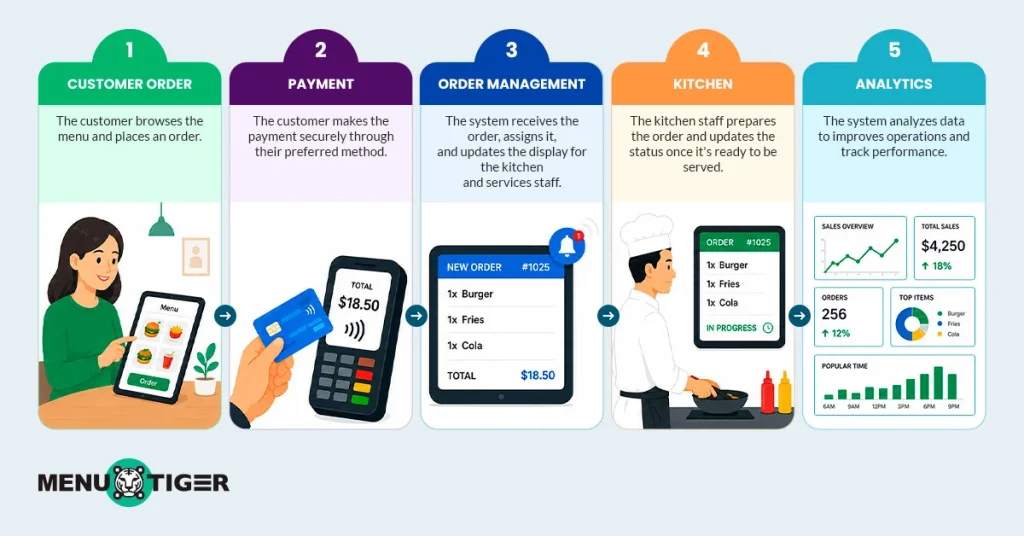
Rather than manually taking and recording customer orders, a restaurant order system tech allows restaurant operators to keep a tab on all pending, ongoing, and completed orders digitally.
Here’s how it works:
- A customer accesses and orders the digital menu either using a menu QR code, tablet, or self-serving kiosk
- Payment is processed as the customer completes their order
- The system receives the orders and updates the kitchen staff.
- The Kitchen display collects the orders, the staff starts the preparation, and updates the status once done.
- The system analyzes the order data to improve the overall services.

13 online menu ordering systems: A comprehensive comparison guide
1. MENU TIGER
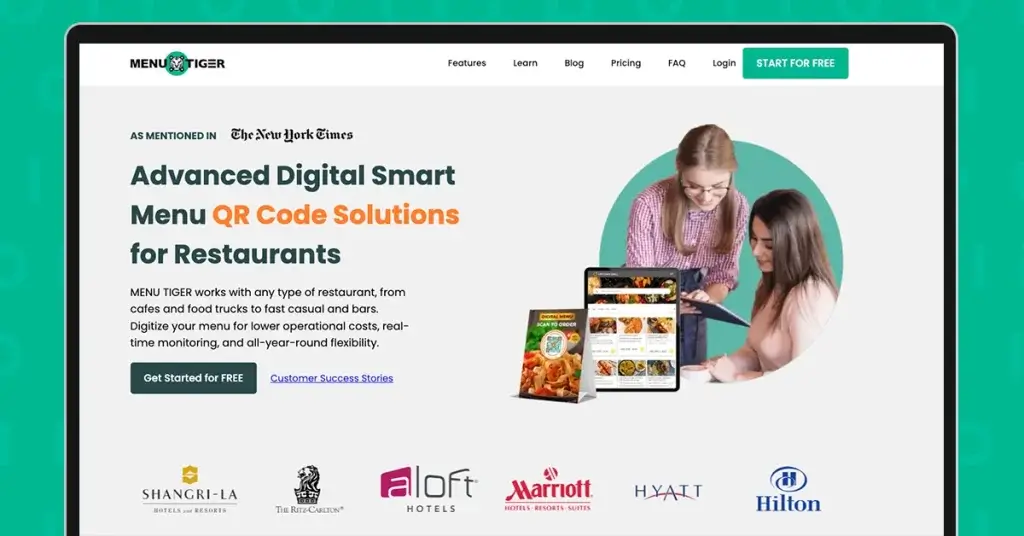
MENU TIGER is a user-friendly restaurant ordering software designed to simplify cafes, bars, and other small to medium establishment operations in one unified system.
The restaurant order system platform has an easy drag-and-drop digital menu builder with a QR code to view items, place orders, and pay directly on the digital menu.
The software also supports multi-lingual menus, multi-location management, a kitchen display system, a Point-of-sale (POS) system, and data analytics, which restaurants can leverage for a modern dining experience.
Tiered pricing breakdown:
- Freemium: try premium features for free
- Regular plan: $17 per month or $14 per month (billed annually)
- Advanced plan: $46 per month or $39.10 per month (billed annually)
- Premium plan: $119 per month or $101.15 per month (billed annually)
While MENU TIGER presents itself as a frontrunner, let’s look at its pros and cons to help you select.
Pros:
- Easy drag-and-drop digital menu builder
- 0% commission on all orders
- Comprehensive Menu Tiger POS for smarter order management
- Contactless ordering and payments via QR codes
- Contactless ordering and payments via QR codes
- Supports multiple languages for diverse customers
Cons:
- Limited customization options on lower-tier plans
- Multi-store management is only available on higher plans
2. Olo
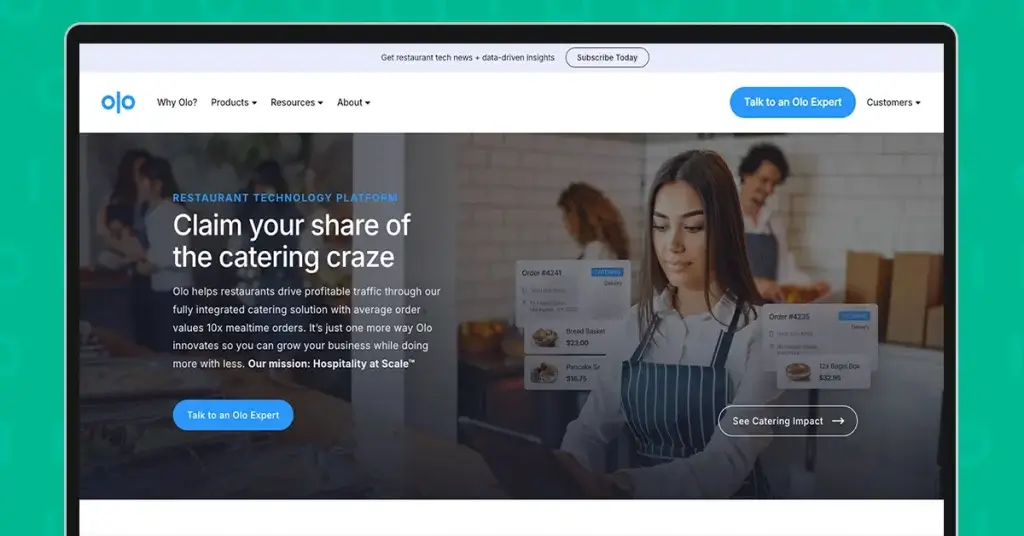
Olo (Online Ordering) is a white-label, enterprise-grade platform that lets restaurants manage digital orders from their websites, apps, and major marketplaces.
Unlike third-party delivery apps, the platform gives complete control over digital ordering, restaurant branding strategies, and customer data.
It’s highly customizable and integrates with POS systems, loyalty programs, and delivery services.
It is a flexible option for large restaurant brands looking to unify and scale their digital ordering strategies across multiple locations.
Pricing tiers breakdown:
- Base monthly plan starts around $149/month
- Setup fee of $399 per location
- Tablet fee up to $15 per week
- Commission fees
- 28% for delivery orders
- 12% for pickup orders
Note: Olo does not have a public pricing page as the company uses a custom enterprise sales model. This breakdown is from publicly posted materials from vendors and may vary depending on size and business setup.
Pros:
- White-label platform that supports custom branding
- Supports multiple ordering channels from a single system
- Integrates with POS, loyalty, and delivery solutions
- Gives businesses full ownership of customer data and relationships
- Built to support multi-location and enterprise restaurant operations
Cons:
- No transparent pricing and generally higher base costs
- Operating expenses may be too high for smaller businesses
- Commission fees can increase overall costs
- Tablet fees can become expensive across multiple locations
- Better suited for restaurant chains than independent operators
3. ChowNow
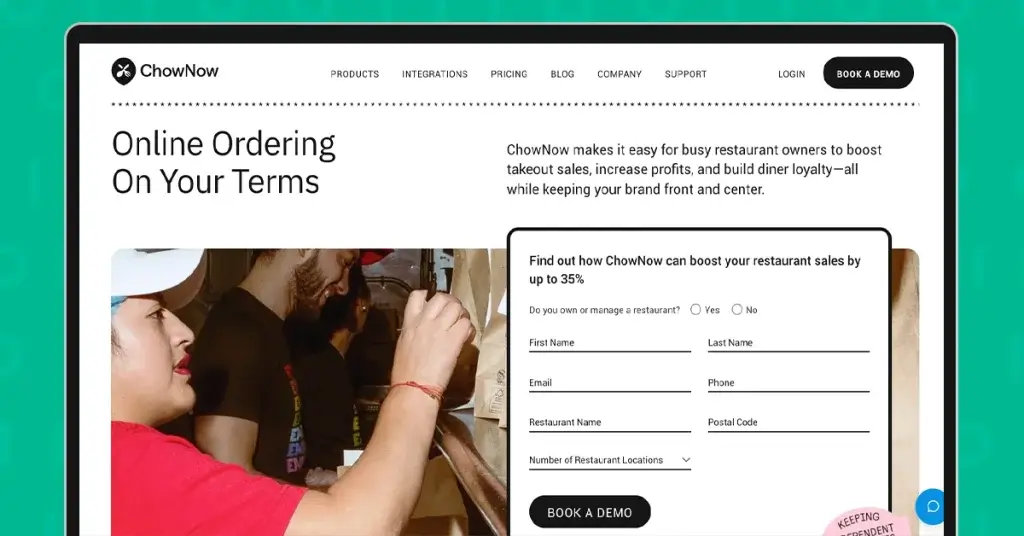
ChowNow serves as an online ordering platform built for restaurants that want to control their digital sales without giving a cut to third-party apps.
Instead of taking a percentage from each other, ChowNow charges a flat subscription, so you keep 100% of your profits.
You get a branded online ordering system, custom mobile apps, POS integration, and restaurant marketing tools to help boost direct orders.
It also supports flexible delivery options—use your in-house drivers or plug into ChowNow’s delivery network partners.
Pricing tiers breakdown:
- Launch plan: $249 per month
- Grow plan: $349 per month
- Elevate plan: $449 per month
Pros:
- No commission fees on customer orders
- Integrates with existing POS systems
- Flexible delivery options for different business needs
- Built-in marketing tools to encourage direct orders
Cons:
- Monthly subscription costs may be high for low-volume restaurants
- Customization options are more limited than enterprise platforms
- Setup fees can be expensive, especially for multiple locations
- Some advanced features may require higher-tier plans
- Reliance on third-party integrations for certain functionalities
4. Clover

Clover is an all-in-one POS solution that offers restaurant-specific features through the Clover Dining platform.
It handles order taking, tipping, payment processing, and sales tracking in one system.
Because it’s sold through different merchant service providers (banks and processors), your experience and pricing may vary.
Pricing tiers breakdown:
- Starter plan: $135 per month for 36 months
- Standard plan: $185 per month for 36 months
- Advanced plan: $245 per month for 36 months
Transaction fees:
Card tapped, swiped, or inserted: 2.3% + 10¢ (across all plans)
Card information type in: 3.5% + 10¢ (accross all plans)
Cashflow services:
Get funds within minutes of a credit card: 1.75% fee (across all plans)
Pros:
- All-in-one hardware and software solution
- Tableside ordering improves service efficiency
- Cloud-based management for remote access and control
- QR code ordering supports contactless dining
- Customer engagement tools help drive repeat business
Cons:
- Locked into Fiserv or an authorized reseller for payment processing
- Pricing structure can be difficult to understand
- Limited customization for complex restaurant operations
- Proprietary hardware may restrict flexibility
- Switching providers can be challenging due to ecosystem lock-in
5. SpotOn
SpotOn is another cloud-based POS and restaurant menu ordering system management platform for independent restaurants and regional groups.
It offers tools for front-of-house (FOH) and back-of-house (BOH) workflows, online ordering, reservations, loyalty programs, and marketing tools.
Additionally, it comes with great support and flexible pricing that businesses can take advantage of.
Pricing tiers breakdown:
- All-In plan: Free but limited access
- Processing fees: 2.79% + $0.20 (Card present)
3.79% + $0.20 (Keyed)
- POS essentials: $55 per month
- POS hardware: $750/each (Station 15)
$375/each (Handheld)
Implementation cost: $2,000
- Processing fees: 2.45% + $0.15 (Card present; except Amex: 3.19% +$0.15)
3. 45% + $0.15
- Build your own: Custom pricing
- POS hardware: $750/each (Station 15)
$375/each (Handheld)
Implementation cost: $2,000
- Processing fees: Customer rates
Pros:
- Cloud-based dashboard accessible anytime, anywhere
- Combines FOH and BOH tools in one unified system
- Guest-facing features like loyalty programs, reservations, and online ordering
- Strong reputation for customer support and onboarding
- Transparent pricing with flat-rate processing
Cons:
- Free tier has limited functionality
- Hardware costs can be high for small businesses
- Significant upfront investment may be required
- Add-ons can increase total monthly costs depending on usage
- Less suitable for ultra-minimalist or very basic setups
6. Toast POS
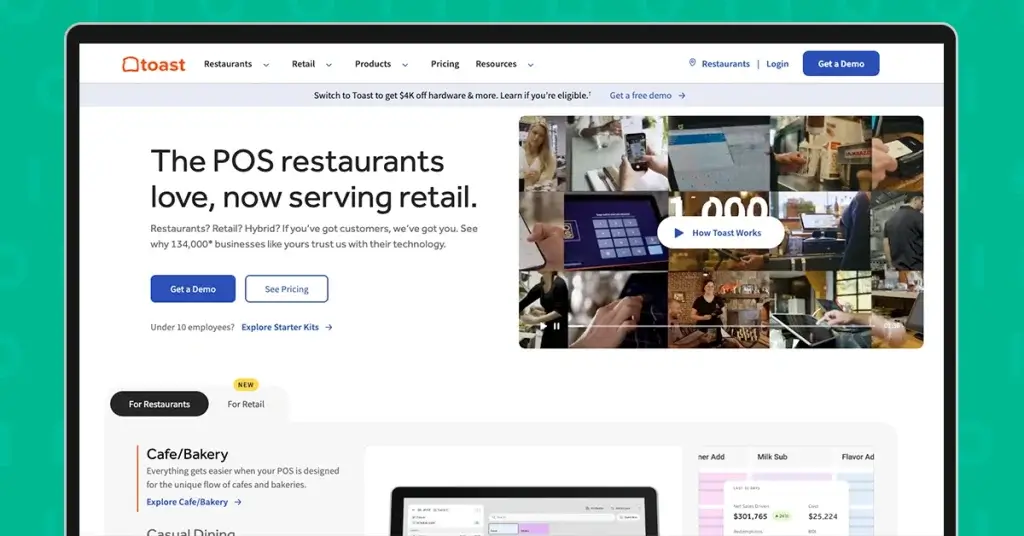
Toast POS is a cloud-based point-of-sale system that is specifically built for restaurant operators and service businesses.
Built on Android-based hardware, the platform gives owners a more flexible alternative to traditional iPad-based systems.
Key features Toast POS offered included order and payment management, customizable hardware configuration, and real-time tracking.
Pricing tiers breakdown:
- Starter kit: Free with limited basic functions
- Point of Sale: $69 per month
- Build your own : Custom pricing
Pros:
- Android-based system built specifically for restaurant operations
- Modular platform that scales with business growth
- Includes kitchen display system (KDS) and workforce management tools
- Offers free software options for basic POS functionality
- Flexible setup that can adapt to different restaurant types
Cons:
- Hardware is sold separately
- High upfront costs depending on system configuration
- Some advanced features require higher-tier subscriptions
- Requires Toast payment processing to access free POS software
- Processing fees can accumulate during peak or high-volume hours
7. HungerRush
HungerRush is another online menu ordering system management platform designed to streamline operations, enhance customer engagement, and drive sales.
Offering integrated POS systems, online ordering, customer engagement tools, and loyalty programs favored by pizza shops, quick-service restaurants, and multi-location operators.
However, the investment in their comprehensive system may come with a price tag for smaller establishments or those with limited budgets. It’s advisable to assess the needs first before purchasing.
Pricing tiers breakdown:
- Software plans
- Starter: $99/month
- Advanced: $199/month
- Custom: Varies by features and scales
- Payment processing fees
- Typical rate: 2.75% + $0.30 per transaction (may vary with agreements)
Note: HungerRush uses a custom enterprise sales model. This breakdown is from publicly posted materials from vendors and may vary depending on size and business setup.
Pros:
- Built-in delivery and takeout management features
- Supports tableside and mobile ordering for dine-in efficiency
- Cloud-based system with hybrid functionality for flexible operations
- Multi-channel loyalty and marketing tools to boost repeat business
- Integrates with third-party delivery platforms for wider reach
Cons:
- Higher overall cost for smaller restaurants
- Set up and staff training can be more complex and time-consuming
- Key features may require additional paid add-ons
- Can feel overly advanced for simple or low-volume operations
- Dependence on integrations for full delivery ecosystem functionality
8. UpMenu
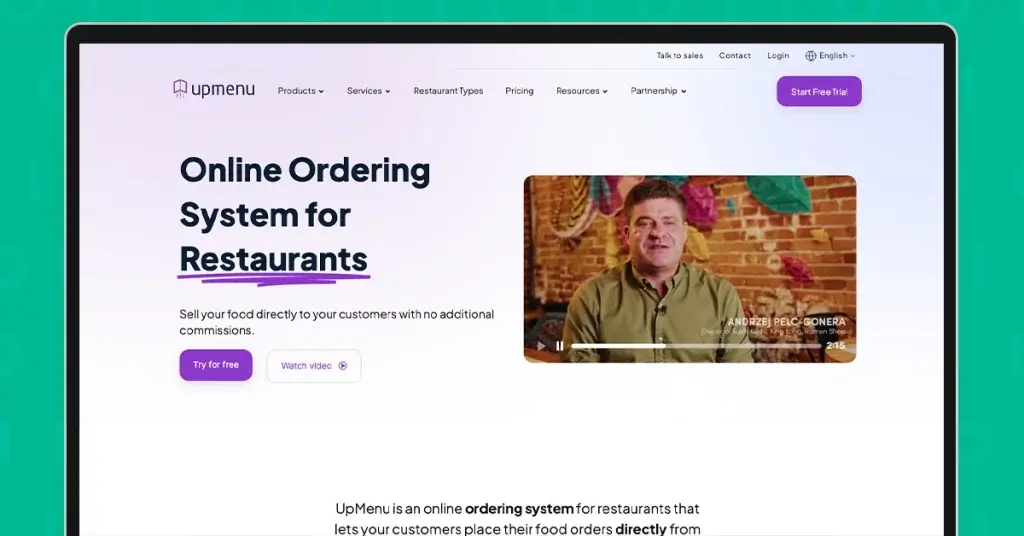
UpMenu is more of a restaurant contactless ordering and restaurant marketing system to manage direct online sales.
Restaurants can create their own branded website and mobile ordering, where customers can place and pay orders.
It also includes customizable online ordering pages, marketing tools, and customer database management.
Pricing tiers breakdown:
- Basic: $49/month
- Standard: $89/month
- Premium: $169/ month
Pros:
- No commission fees on orders
- Branded website and mobile ordering system included
- Built-in loyalty program and promotional tools
- Email and SMS marketing features for customer engagement
- Simple, predictable flat monthly pricing
Cons:
- Not a full POS system, and it works best when integrated with one
- No support for in-person ordering or table management
- Requires additional tools to handle full front-of-house workflows
- Limited suitability for complex or multi-layer restaurant operations
- Less ideal as a standalone system for dine-in-heavy restaurants
9. Square for Restaurants
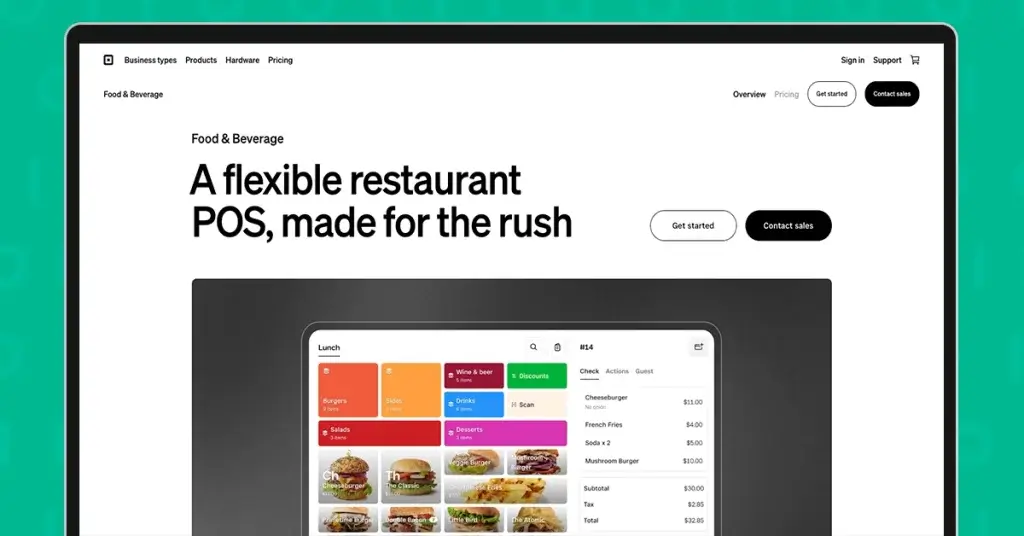
Square for Restaurants is another cloud-based POS system made specifically for the quick service sector.
It’s part of the larger Square ecosystem, but this version is tailored with restaurant features like ordering, table management, and kitchen displays.
Pricing tiers breakdown
- Square Free: Free with limited basic functions
- Processing fees: 2.6% + 15¢ (tap, dip or swipe)
3.3% + 30¢ (online)
- Square Plus: $49 per month
- Processing fees: 2.5% + 15¢ (tap, dip or swipe)
2.9% + 30¢ (online)
- Square Premium: $149 per month
- Processing fees: 2.4% + 15¢ (tap, dip or swipe)
2.9% + 30¢ (online)
Pros:
- Free plan available for basic use
- Easy and quick setup process
- Strong suite of built-in tools for daily operations
- Well-suited for fast-paced restaurant environments
- Seamless integration within the broader Square ecosystem
Cons:
- Advanced features are locked behind paid upgrades
- Not ideal for large, high-volume enterprise chains
- Some functionalities require additional paid add-ons
- Premium plan pricing may lack transparency
- Can become limited as operational complexity increases
10. Cloudwaitress
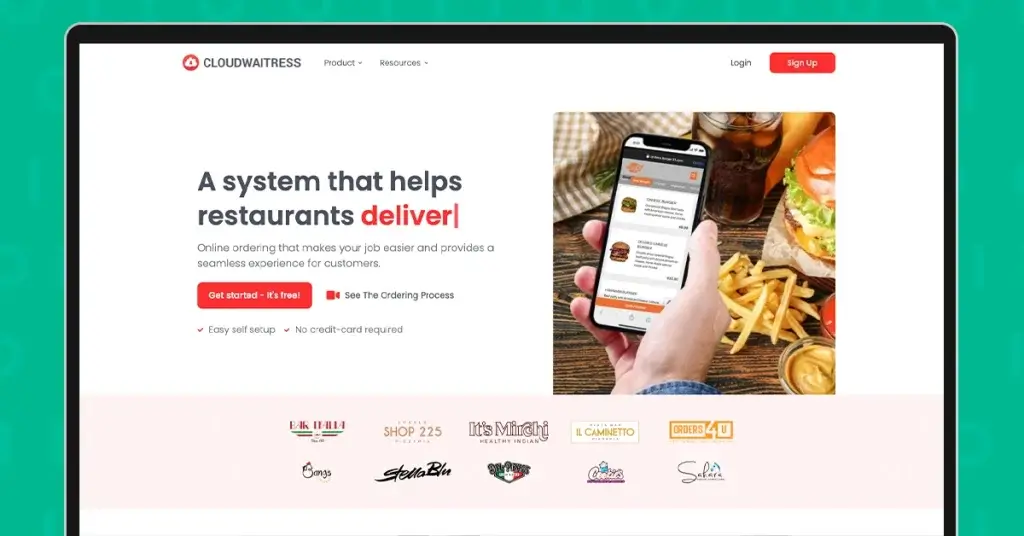
Cloudwaitress is a cloud-based restaurant online ordering system for a commission-free, flexible, and customizable digital solution.
It allows businesses to set up a branded online ordering website, manage various order types, and handle reservations.
The platform also supports food menu QR code ordering, integrates with POS systems, and offers performance report support.
Pricing tiers breakdown:
- Software plans
- Starter: Free but with limited features
- Standard: $39 per month
- Premium: Pricing not listed, likely custom depending on needs
Note: Cloudwaitress uses a custom pricing model. This breakdown is from publicly posted materials from vendors and may vary depending on size and business setup.
Pros:
- Commission-free ordering model
- Branded ordering website with QR code table ordering
- Supports reservations, multiple order types, and POS integration
- Includes performance reporting and analytics tools
- User-friendly interface suitable for non-technical staff
Cons:
- The free plan has limited features and includes branding
- Not a complete standalone POS system; requires external POS integration
- May not support enterprise-level needs for large restaurant chains
- Advanced functionality may require paid upgrades or add-ons
- Less suitable for complex multi-location operations
11. GoTab
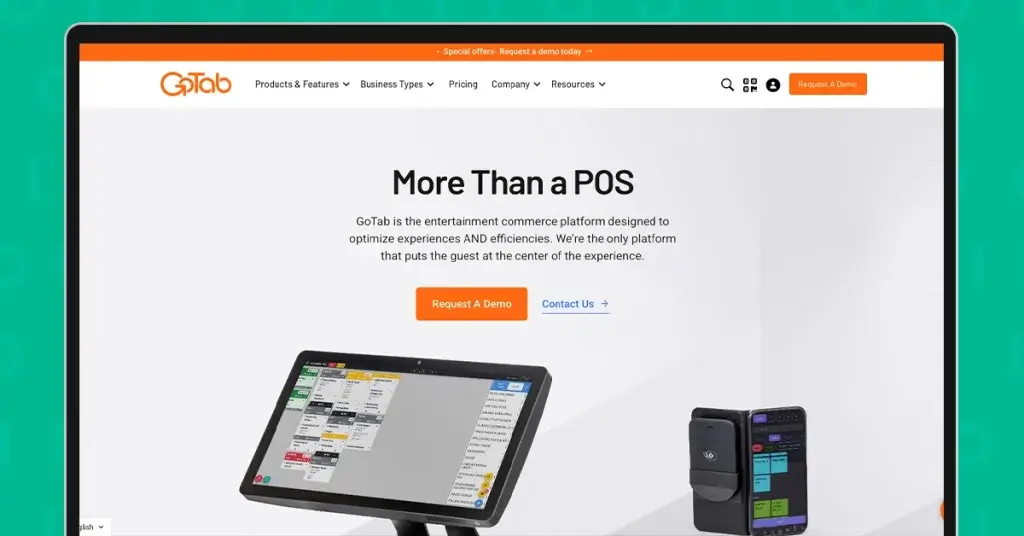
Gotab is a modern POS system built for hospitality businesses and other high-value environments.
It is a flexible, cloud-based platform tailored for restaurants, bars, breweries, and food halls.
Unlike traditional POS, which relies mostly on server input, Gotab allows guests to order and pay directly from their smartphones using simple QR codes—no apps or logins are needed.
This approach gives guests more control and often speeds up service, especially in high-volume or casual environments like breweries, food halls, or outdoor patios.
Pricing tiers breakdown:
- Software plans
- Basic: $15 per month
- Pro: $99 per month
- Sync: $199 per month for multi-location or advanced operations
- Payment processing fees
- Competitive rates starting at 2.4% + $0.15 per transaction
Pros:
- Shared tab system for smoother group ordering and payments
- No hardware lock-in, allowing flexible device choices
- Scalable design suitable for high-volume venues
- Includes back-of-house tools for kitchen and operations management
- Cloud-based structure supports centralized control
Cons:
- Initial setup can be complex and time-consuming
- Limited offline functionality, requiring a stable internet connection
- Reporting tools have limited customization options
- May require training for staff to use efficiently
- May require training for staff to use efficiently
- Not always ideal for very small or simple service setups
12. FlipDish
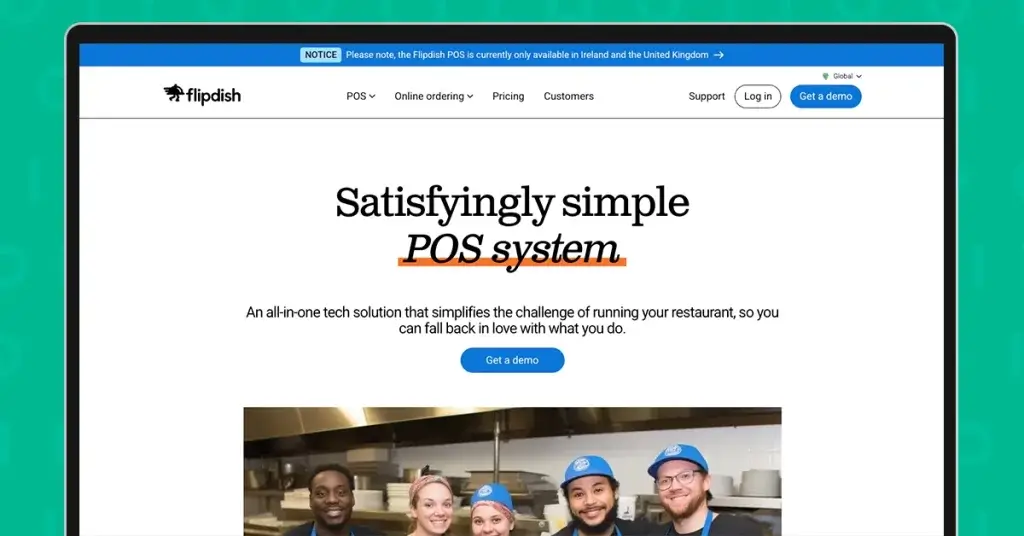
Flipdish is a one-stop, all-in-one restaurant management platform for digitizing workflow.
It provides tools for customers to order online, in-store, or through a mobile app, with everything managed in one place.
It’s great for restaurants that want to offer a smoother customer experience while keeping things simple behind the scenes.
Price tiers breakdown:
- Branded website: $119 per month
- Branded mobile app: $199 per month
- Kiosk software: $79 per month (hardware sold separately)
Pros:
- Unified platform for web, in-store, kiosk, and mobile app ordering
- Branded mobile app and website options for a stronger identity
- Smooth and consistent customer experience across all channels
- Well-suited for scaling digital ordering operations
- Centralized system for managing multiple ordering touchpoints
Cons:
- Higher monthly costs compared to similar platforms
- POS functionality is limited to the UK and Ireland
- Can be overly complex for small or startup restaurants
- Kiosk hardware is not included and must be sourced separately
- May require additional setup and integration effort for full deployment
13. Restolabs
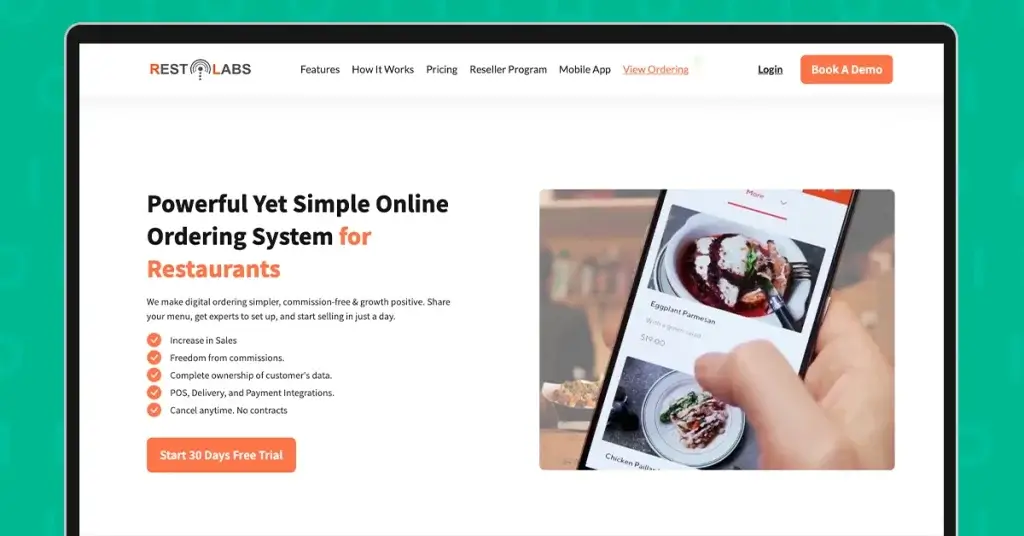
Restolab is a digital ordering system that offers restaurants a way to simplify operations without getting too techy or overwhelmed.
It’s a good option for keeping things simple but still giving customers a smooth ordering experience through the website, app, or QR code.
You’ll need to opt for the higher-tier plans to unlock really helpful features (like advanced analytics or integrations). Also, customer support may be slow during high-volume times, so keep that in mind.
Pricing tiers breakdown:
- Basic: $69 per month
- Premium $99 per month
- Enterprise: $199 per month
Pros:
- Simple setup process
- Clean, intuitive interface for both operators and customers
- Supports website, mobile app, and QR code ordering
- No coding or technical team required to get started
- Easy to manage for small restaurant teams
Cons:
- The entry-level plan has limited features
- Customer support response times can be slow
- Advanced tools are only available on higher-tier plans
- May not scale well for complex or multi-location operations
- Customization options are somewhat restricted on basic plans
5 ways to choose the best online ordering platform for your restaurant
With a strong lineup, you might have difficulty picking which is best suited for your business.
Here are essential tips that you can use to save you from breaking the bank:
1. Know what you need
Think about what your business actually needs.
Are you dealing with a high volume of orders every day, or just a few here and there? Is your menu super simple, or do you offer a ton of customization?
How about delivery? Do you handle them by yourself, using a third-party service, or do you want to offer a self-serve ordering mode, or just stick to pick up?
Or do you plan to switch from your older ordering platform to an AI restaurant ordering system?
Getting clear on these upfront will make choosing a platform that fits your vibe and workflow easier.
2. Compare key features
Once you’ve determined your restaurant’s needs, it’s time to examine each platform’s offerings.
Some of the big features to watch for are custom branding. It pays to ask: Can you make it look and feel like your restaurant, or is it generic? POS integration is huge because no one wants to enter orders twice or deal with messy mistakes.
Real-time menu updates come in handy if you run out of things or change specials frequently.
If you’re not busy during peak hours, look for platforms with order throttling so your kitchen doesn’t get slammed all at once.
You want a restaurant order system that’s not only functional but also supports how you run your restaurant.
3. Understand the costs
Fees can eat into your profits if you’re not careful.
Some platforms charge a commission on every order, usually 15% to 30%, which adds up fast, especially if you’re doing a lot of deliveries.
Others charge a flat monthly fee, which can be easier to budget for and often cheaper if you have steady volume.
Also, watch out for extra charges, especially if you want to add other tools like credit card processing, delivery service, or even access to a certain headline rate.
4. Look for integration capabilities
This is a big deal when picking a restaurant ordering system.
Ideally, it should have the ability to connect directly with your POS system so orders go straight to the kitchen without anyone needing to punch them in again.
There should also be a digital option for doing that, especially if you don’t have existing hardware for a point of sale.
It’s also helpful if it integrates or offers an accounting solution so you’re not scrambling to track sales and taxes manually.
Some platforms even link up with inventory systems or marketing tools, which can boost your efficiency.
5. Assess scalability
Make sure your chosen platform can grow with your restaurant so you won’t be stuck switching systems later.
If you’ve got plans to expand—maybe an additional location or a franchise —you want a platform that can centralize your operations.
So, look for one that supports multiple locations under one account, offers centralized reporting, and seamless menu management for promos across all your stores.
Also, check if it can handle high-order volumes during peak time without slowing down or crashing.
Bonus points if it offers multi-language or multi-currency support if you’re thinking about expanding globally.
Which restaurant order management system is best for your business type?
Small restaurants, cafes, and startups
Small businesses need affordable, easy-to-learn, and quick-to-deploy systems. Their goal is to accept orders efficiently.
- MENU TIGER – This is best for quick digital transformation with its QR code menu system and mobile ordering without requiring a full POS replacement.
- Restolabs – It’s for branded ordering as it lets restaurants own their online ordering channels.
- Cloudwaitress – This is for simple ordering online. It’s lightweight and easy to launch.
- UpMenu – The system is good for customer retention since it includes loyalty and marketing tools.
QR code ordering and contactless dining
For restaurants adopting a digital dining experience, they prioritize convenience, speed, and reduced ordering friction.
- MENU TIGER – The system provides the best QR code menu for restaurants and other food and service sectors. It enables digital menus and smartphone ordering with minimal setup.
- GoTab – This is good for table-based dining. Customers can order and pay through a tablet.
- FlipDish – It’s best for brand digital experiences. It combines a contactless ordering system with QR codes and customer touchpoints.
- Square for Restaurants- It integrates QR ordering into their POS and payment terminals.
Enterprise restaurants and large chains
Growing businesses require more advanced reporting, integrations, and operational oversight.
- TOAST POS – Best option for scaling because it combines ordering, payments, reporting, and operations in one ecosystem.
- Revel System – For customization, it’s a system to consider. It quickly adapts to complex restaurant workflows.
- SpotOn – It’s best for engagement. It combines POS with loyalty and marketing tools.
- Clover – A good choice for flexibility. Restaurants can add features as they scale up.
Delivery-first restaurants
For delivery-centric businesses, they need systems that can optimize for online ordering efficiency and manage high-volume orders.
- Olo – A great option for high-volume digital ordering with its enterprise-scale operations.
- Chownow – This is best for direct ordering. The system is built to drive the orders through their own channels.
- HungerRush – Restaurants looking for delivery management, this is a top choice as it combines ordering, POS, and marketing tools in one.
Benefits of choosing the right restaurant order system
Smoother operations, less chaos
With a sound restaurant management system, you can streamline everything from taking orders to managing reservations.
That means less confusion in the kitchen, fewer messed-up orders, and a calmer vibe during rush hours.
It’s like giving your whole team a map instead of letting them wing it every night.
Better inventory control
A solid restaurant order system keeps track of what you’ve got and what’s running low.
No more guessing if you’re about to run out of bacon or discovering you overstocked something that’s about to spoil.
You’ll be able to save money and avoid disappointing customers who came in craving something specific.
Speedy service and better guest experiences
Everything moves faster when the system flows.
Orders hit the kitchen instantly, tables turn quicker, and guests wait less.
Plus, with tools like table tracking or loyalty programs, you can add a layer of personalized service that keeps people coming back.
Easier payments and fewer mistakes
With its integrated payment options, it can make quicker checkouts and fewer math errors.
When the POS system splits bills, accepts mobile payments, and automatically applies discounts or promos, it makes life easier for everyone.
Flexible for growth
Whether it is to expand a second location, add online ordering, launch Delivery, or collect valuable data from your customers, the right system can scale with you.
You won’t have to tear everything down and start over—just add new features as you grow.

Choose the best restaurant ordering software for a stress-free service
A restaurant order system is a transformative tool that can turn your restaurant into more efficient, customer-friendly, and profitable operations.
With its innovative solutions and features, you’re guaranteed advanced assistance that can lead you to better results.
However, you might find it challenging to decide which restaurant order management systems are available to you.
It’s good that MENU TIGER is designed to be user-friendly, commission-free, scalable, and filled with features and integrations suitable for all business sizes.
So, are you ready to take control of your restaurant’s future?
Join MENU TIGER for free and unleash the power of innovative dining today to serve success on every plate.